
What the AIQ Ecommerce plugin does
The AIQ Ecommerce Products plugin brings your AIQ Ecommerce catalogue into WordPress and keeps it up to date automatically. Once it is connected:
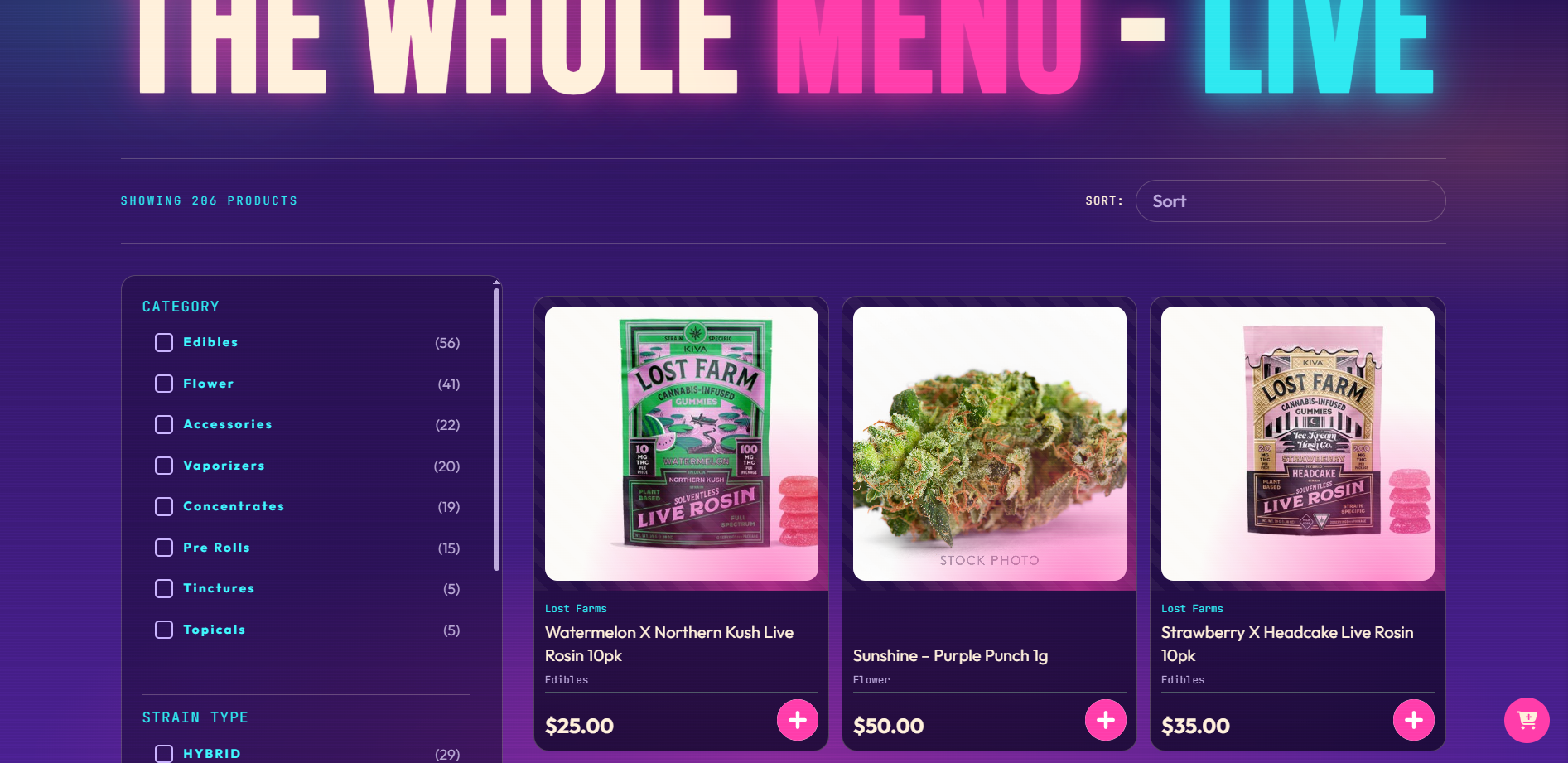
- Every product in the venues you select is imported into WordPress as a AIQ Ecommerce Product, with its price, stock quantity, images, description and product data.
- Brands, categories, cannabis types and terpenes are created as WordPress taxonomies, so you can build category pages, brand pages and filtered listings the same way you would with any other WordPress content.
- Offers and promotional banners are imported and attached to the products they apply to.
- Products refresh on a schedule you choose — as often as every five minutes.
From there you have a choice about how much of the shop runs on your site:
- Full storefront — visitors add products to a cart on your site and check out through an embedded AIQ Ecommerce checkout, without ever leaving your domain.
- Sync only — your site shows the products in carousels, grids and listings, and sends buyers to your hosted AIQ Ecommerce menu to purchase.
You pick this in the settings and can change it later. See Choosing Your Plugin Mode.
What you need before you begin
| You need | Why |
|---|---|
| A Client Key from Deeproots | This is the only credential the plugin needs. It arrives by e-mail when your licence is set up. |
| A AIQ Ecommerce account with at least one venue | The plugin imports from the venues on your licence. |
| Administrator access to WordPress | Installing plugins and changing settings both require it. |
If you have a staging or development site as well as your live site, that domain has to be registered separately. Ask support to add it — see Account Changes & Requests.
What to have ready from AIQ Ecommerce
You do not need a AIQ Ecommerce API key. This is the single biggest change from older versions of the plugin, and it is worth being clear about:
So the only thing you need from us is:
- Your Client Key. It looks like
CLT_followed by 24 characters, for exampleCLT_7K4M2NPQR8TVWXYZ3456789A. It arrives in your licence e-mail.
WordPress and hosting requirements
| Requirement | Minimum | Recommended |
|---|---|---|
| WordPress | 5.8 | 6.4 or newer |
| PHP | 7.0 | 8.1 or newer |
| HTTPS on your site | Required | — |
| Outbound HTTPS from your server | Required | — |
PHP max_execution_time |
60 seconds | 300 seconds |
| PHP memory limit | 128 MB | 256 MB or more for large catalogues |
| WP-Cron working, or a real server cron | Required for automatic syncing | A server cron every 5 minutes |
A few specifics worth checking with your host:
- Outbound HTTPS must be allowed. Your server needs to be able to reach
https://api-dispense.deeproots.io. Some managed hosts block outbound requests by default or keep an allow-list. If yours does, ask them to allow that host. - Plain HTTP is refused. The plugin will not send your Client Key over an unencrypted connection, and it says so rather than failing quietly.
- WP-Cron needs to actually run. WordPress’s built-in scheduler only fires when someone visits the site. On a quiet site that means syncs can be late. If freshness matters, ask your host to disable WP-Cron and run a real cron job instead — see Caching & Site Speed.
What the plugin does not do
Setting expectations early saves support tickets later:
- It does not process payments. Payment happens inside the AIQ Ecommerce checkout.
- It does not manage stock. Stock levels are read from AIQ Ecommerce, never written back.
- It does not replace WooCommerce, and it does not need WooCommerce.
- It does not design your pages. It supplies the products, the data and the shortcodes; your theme or page builder does the layout.
Common problems
I have a AIQ Ecommerce API key, where do I put it?
Nowhere. Version 1.1.0 removed the API key field entirely. If you are upgrading from 1.0.x, saving your Client Key also deletes any old AIQ Ecommerce key still stored on the site.
My host blocks outbound connections.
Ask them to allow outbound HTTPS to api-dispense.deeproots.io. Without it the plugin cannot sync, though anything already published stays online.
Do I need a separate licence for staging?
No — a staging domain is added to your existing licence. Just tell us the domain.